
 One Platform for Collaborative IntelligencePeople, AI teammates, knowledge and systems working together in one governed environment.Platform Overview →
 From 20 to 1,400 users in 7 monthsAt Lactalis, each deployment simplifies and accelerates the next.Read customer stories →
 We believe the future of work is collaborativeWe align people, AI teammates, and enterprise systems to execute together.Discover →
Model Fallback: your Mates keep working when an AI provider doesn't
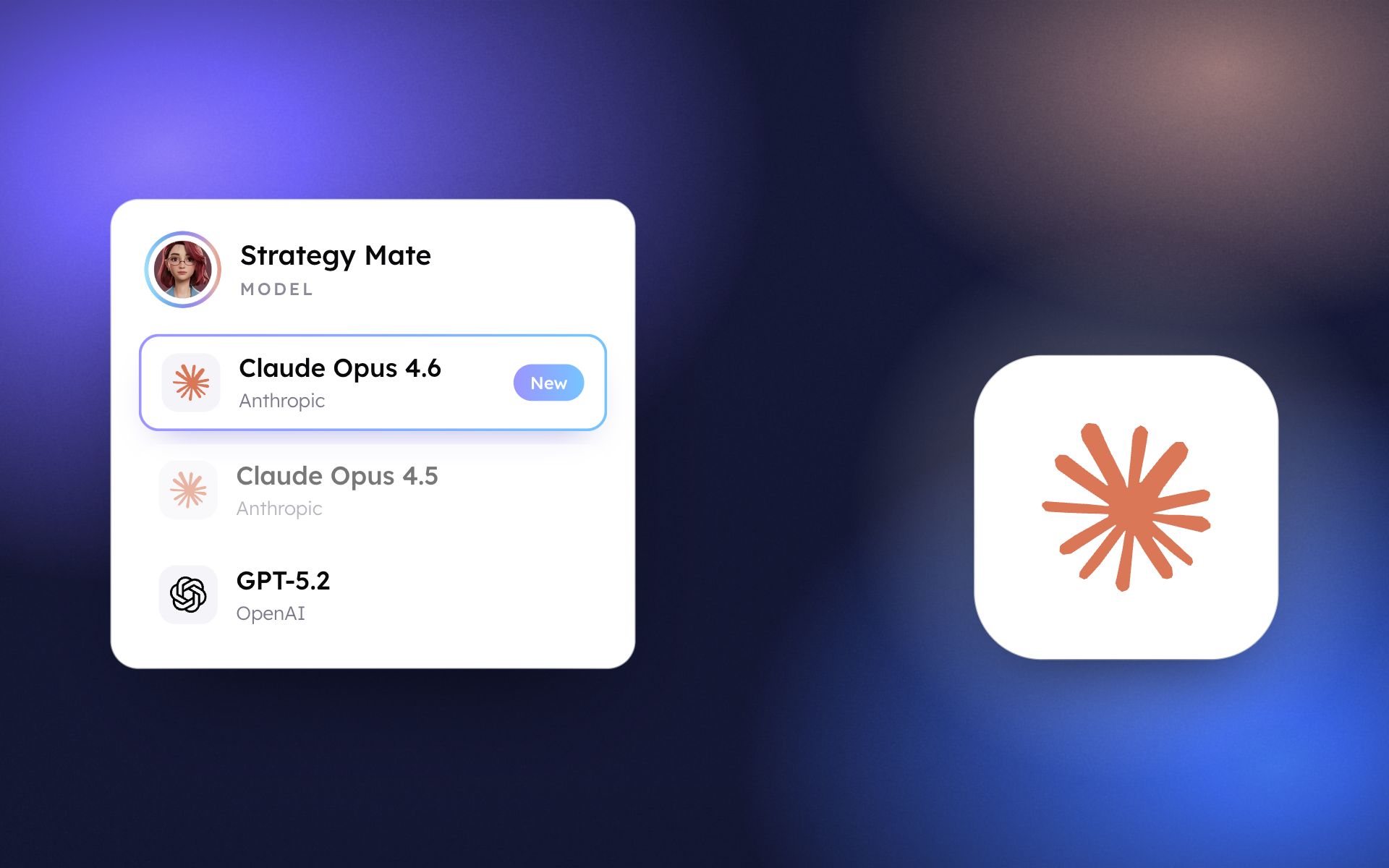
If a model is overloaded, down or times out, a backup model takes over automatically: no error messages, no resending prompts, no lost momentum.
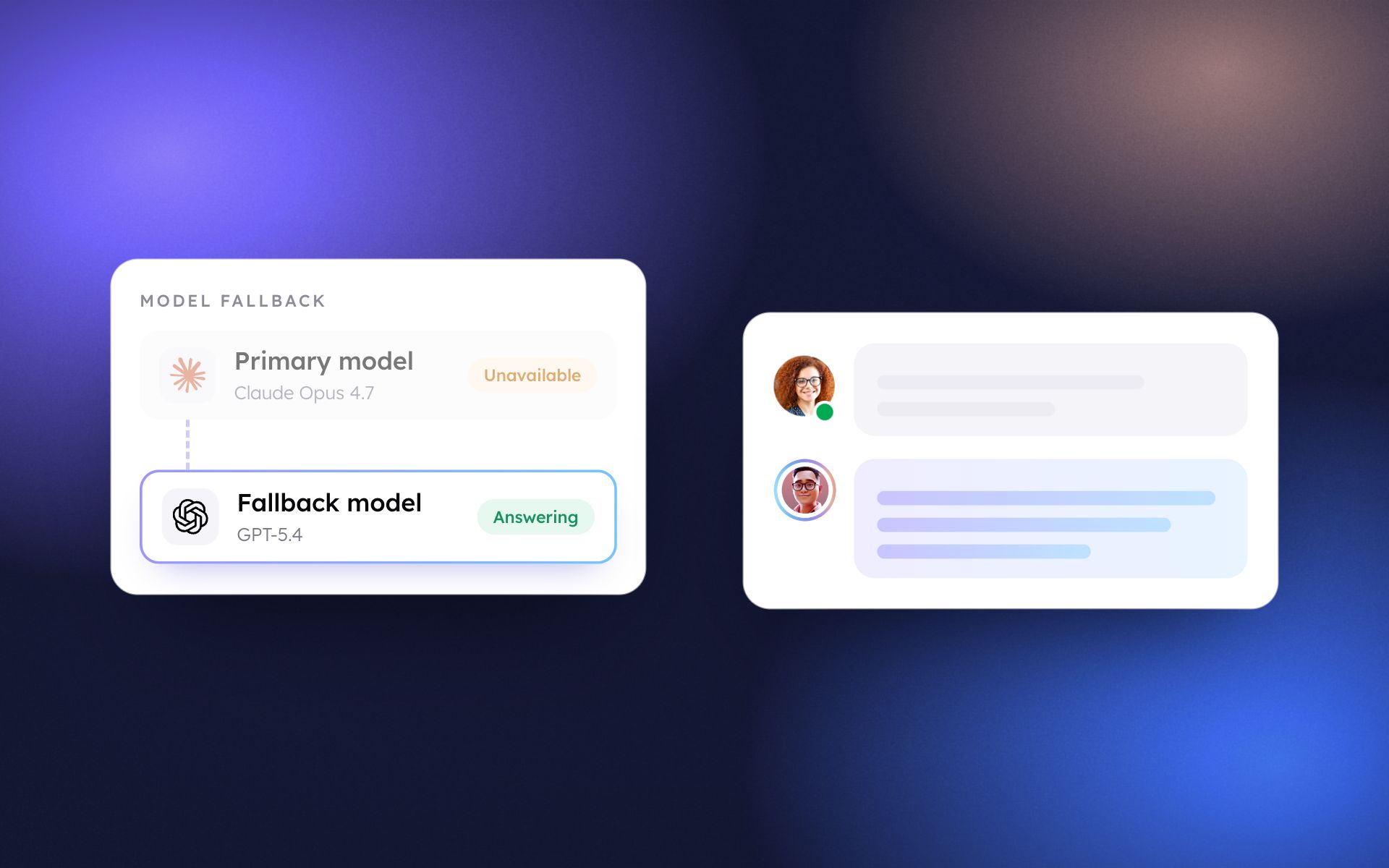
Even the largest AI providers have overloads, outages and timeouts. Until now, that meant an error message in the middle of a task and a user waiting to try again. Model Fallback removes that dependency.
What it changes for your teams
- Work continues: when a Mate's main model fails, a backup model answers in its place and the conversation goes on, with no action needed.
- No manual retries: nobody has to resend a prompt or wait for a provider to recover.
- Full transparency: a small amber icon in the message header shows that a backup model answered; hovering it shows which model and why.
- Admins stay in control: let the platform pick the best backup automatically, set one specific fallback model for the whole organization, or turn the feature off.
Available by default
Model Fallback is active for every organization on Native Mates, with no configuration required. To adjust it, open your organization Settings > Models Management > Settings and choose Automatic, a specific model or None in the Fallback Model menu.
For teams with strict continuity requirements, this is one less external risk to manage.
A 30-minute walkthrough of this update, based on your own use cases.
Talk to an expertMore product updates
All updates





See what these updates can do for your teams.
Our team will show you how governed AI teammates take on your most critical processes, from first use case to enterprise scale.

