
 One Platform for Collaborative IntelligencePeople, AI teammates, knowledge and systems working together in one governed environment.Platform Overview →
 From 20 to 1,400 users in 7 monthsAt Lactalis, each deployment simplifies and accelerates the next.Read customer stories →
 We believe the future of work is collaborativeWe align people, AI teammates, and enterprise systems to execute together.Discover →
Imagine it. Your Mates will make it: 12 new ways to create images, designs and videos
Twelve new ways to create images, designs and videos. Brief your Mate like a colleague, and the result lands right in the conversation.
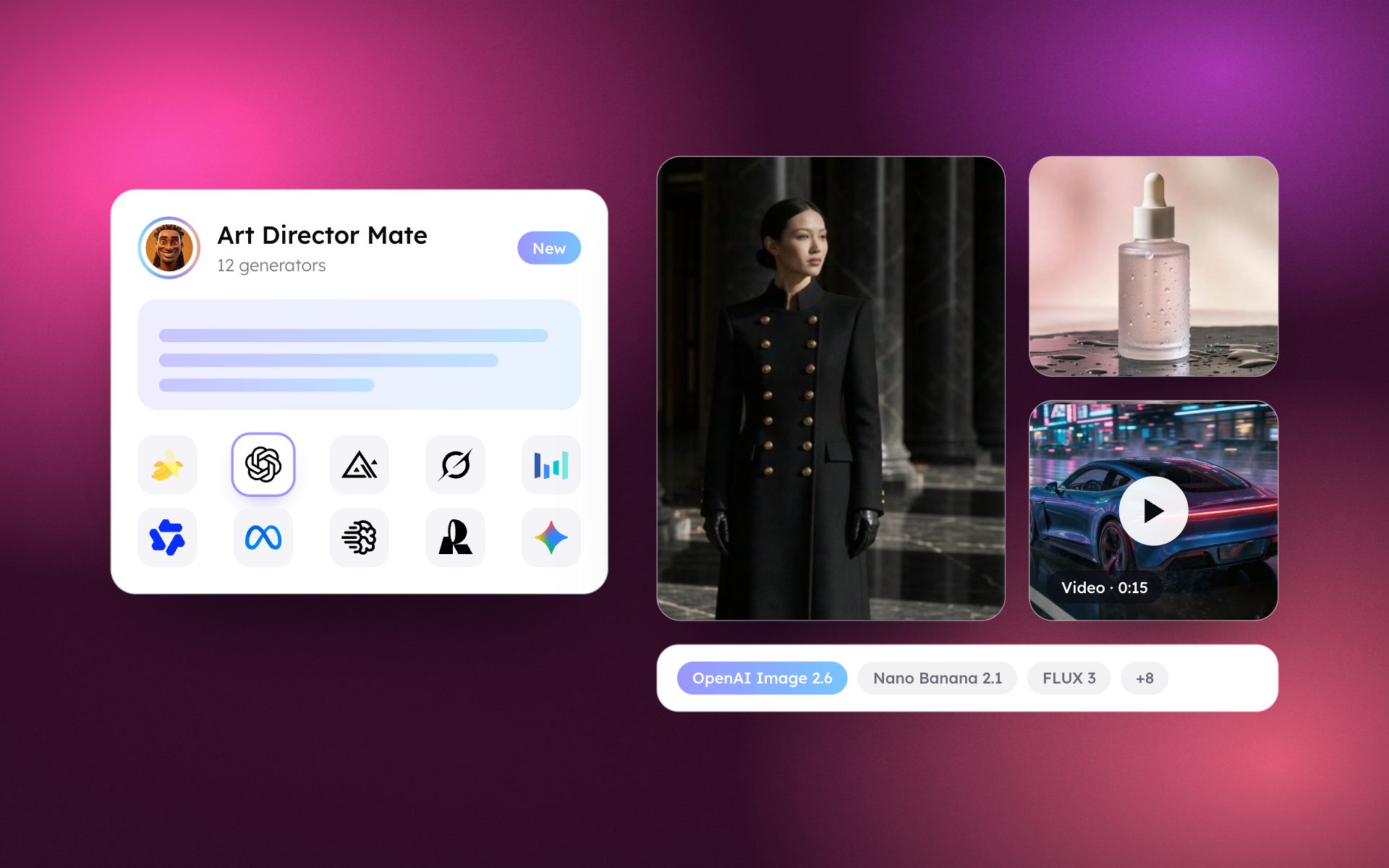
A logo where every letter is right. A product shot lit like a studio. A poster in Chinese and English. An icon that becomes a vector. A ten-second film, with its own soundtrack. You say it. Your Mate makes it.
Today, your Mates learn twelve new ways to create, from images to design to video. Nothing to set up.
How it works
Add a creative tool to a Mate from the Tools Store. Then talk to your Mate like you would brief a colleague: describe what you want, attach a picture if you want to change one, and say what must stay the same. The Mate picks the right tool, and your image or video lands in the conversation. Not quite right? Say what to change and it tries again.
One tip: describe a scene, not a list of keywords. And put any exact words you want written in the picture between quotes.
Make it look real
- FLUX 3 is Black Forest Labs' newest model, built to follow your words closely and to deliver photographic results. Reach for it for product shots, portraits and lifestyle scenes. It also edits your pictures and blends up to ten of them.
- Nano Banana 2.1 is Google's model for talking an image into shape. Create, then keep refining in conversation: new background, new outfit, same person or product from one image to the next. Perfect for series and product variations. It blends up to fourteen of your images.
- OpenAI Image 2.6 comes in two moods. Flare is quick, for everyday images. Sunburst is for precise edits, when a face, a logo or small text must stay exactly as it is.
Make it say something
- Ideogram 4.5 is the one to pick when words are part of the picture: posters, packaging, signs and ads, with several lines and fonts spelled right. It is less at home with photorealism, and as with any model, proofread the lettering before you publish.
- Recraft V4.1 is design, not photography. Logos, icons, badges and illustrations, and real SVG files you can open in Figma or Illustrator and edit. You can steer it toward your brand colors. Vectors come out flat by design, so expect a little cleanup before a logo is final.
- Qwen Image 3 is Alibaba's model for dense, text-heavy visuals: infographics, posters, signs, even several panels in one go, in Chinese, English and more languages. Check the small print before you share.
Make it yours
- Seedream 5.0 Pro is ByteDance's design-minded model: dense infographics, layered compositions, text in several languages, and precise edits by conversation.
- Grok Imagine is xAI's image model: create from a description, or change a picture you attach.
- Meta Muse Image is fast and light. Try ten ideas in the time it takes to write one brief: thumbnails, storyboards, first concepts, quick edits.
- Image Utilities does three jobs on a picture you already have: cut out the background and keep the subject on a transparent PNG, upscale it two or four times, or turn it into a vector.
Make it move
- Gemini Omni Flash 1.2 is Google's video model, and it makes the sound too: voices, effects and music, already in. Three to fifteen seconds, from a text, from a first and last image, or from reference images and videos. It also edits a video you attach. Great for social clips, product teasers and storyboards that sound like something.
- Grok Imagine Video shines when you start from a picture: bring a still to life. Give it reference images to keep a character or a product the same from shot to shot, and carry a clip further when you want more.
Which one should I pick?
- A photo-real product shot or portrait: FLUX 3, Nano Banana 2.1
- Change a picture and keep the rest: Nano Banana 2.1, OpenAI Image 2.6 (Sunburst)
- A poster or pack with words that read right: Ideogram 4.5, Qwen Image 3
- A logo or icon I can edit: Recraft V4.1
- An infographic: Qwen Image 3, Seedream 5.0 Pro
- Ten quick ideas: Meta Muse Image
- A clean cutout, a bigger image, a vector: Image Utilities
- A video with sound: Gemini Omni Flash 1.2
- Bring a still to life, same character: Grok Imagine Video
Seedream and Qwen Image send your content to ByteDance and Alibaba, so each shows a notice and your organization decides.
See every generator in the AI models library.
Show us
We can't wait to see what you make. Send us your best creations, the ones that made you stop and say wow. Imagine it. Your Mates will take it from there.
Still on an older tool? It takes a minute to move
Older tools keep working, and nothing moves on its own. When you are ready:
- OpenAI Image, OpenAI Image 2.0: move to OpenAI Image 2.6
- Imagen 4: move to Nano Banana 2.1
- Sora 2: move to Gemini Omni Flash 1.2
- Grok Imagine Image, FLUX, Ideogram: same tool, already updated
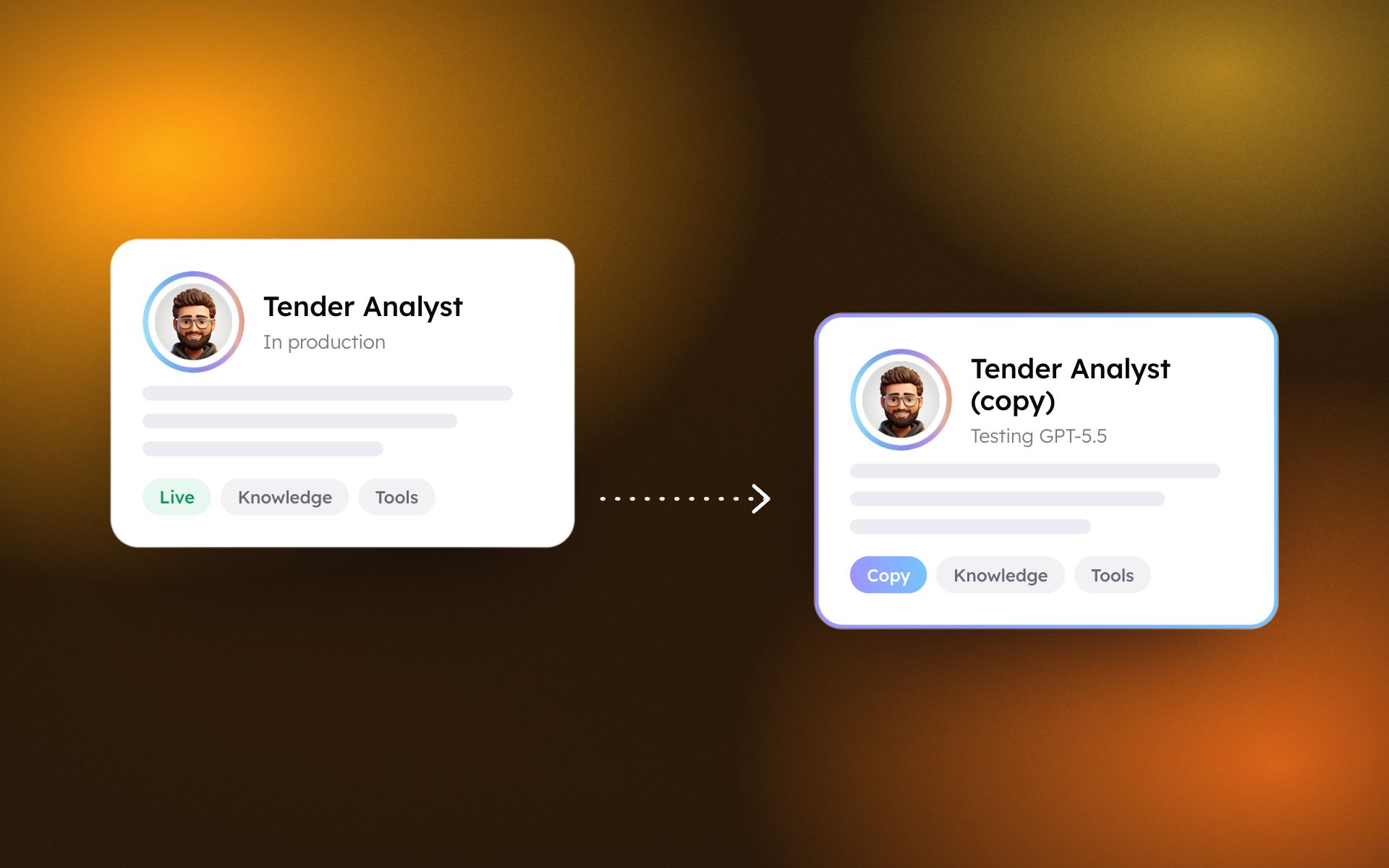
- Add the new tool from the Tools Store and add it to your Mate.
- Test it, then remove the old one.
- If your Mate's instructions name an old action, swap it for the new one (generateGptImage becomes generateGptImage25).
- If you bring your own key, an admin enters it once on the new tool.
A 30-minute walkthrough of this update, based on your own use cases.
Talk to an expertMore product updates
All updates


See what these updates can do for your teams.
Our team will show you how governed AI teammates take on your most critical processes, from first use case to enterprise scale.

