
Collaborative IntelligencePeople and AI teammates working as one team
Specialised AI TeammatesAI coworkers built for real business roles
Mates, everywhere you workAI teammates inside Teams, Slack and email
Shared ContextEvery answer grounded in approved knowledge
SystemsConnected to the tools where work happens
GovernanceVisibility, control and auditability
 One Platform for Collaborative IntelligencePeople, AI teammates, knowledge and systems working together in one governed environment.Platform Overview →
Marketing & BrandFaster, brand-governed content and campaigns
Market & Commercial IntelligenceLive insights for commercial decisions
Compliance & RegulatoryGoverned reporting and full auditability
Digital OperationsStreamline recurring operational workflows
 From 20 to 1,400 users in 7 monthsAt Lactalis, each deployment simplifies and accelerates the next.Read customer stories →
Operating ModelHow work gets re-architected around Collaborative Intelligence
Enterprise AIGovernance, integration and model choice
Lighthouse ApproachFrom uncertainty to proven ROI in 8 weeks
SecurityTrust, compliance and data sovereignty
Customer StoriesProven outcomes in complex environments
 We believe the future of work is collaborativeWe align people, AI teammates, and enterprise systems to execute together.Discover →
New
January 5, 2026
Mate authorizations: control who sees, uses and configures each Mate
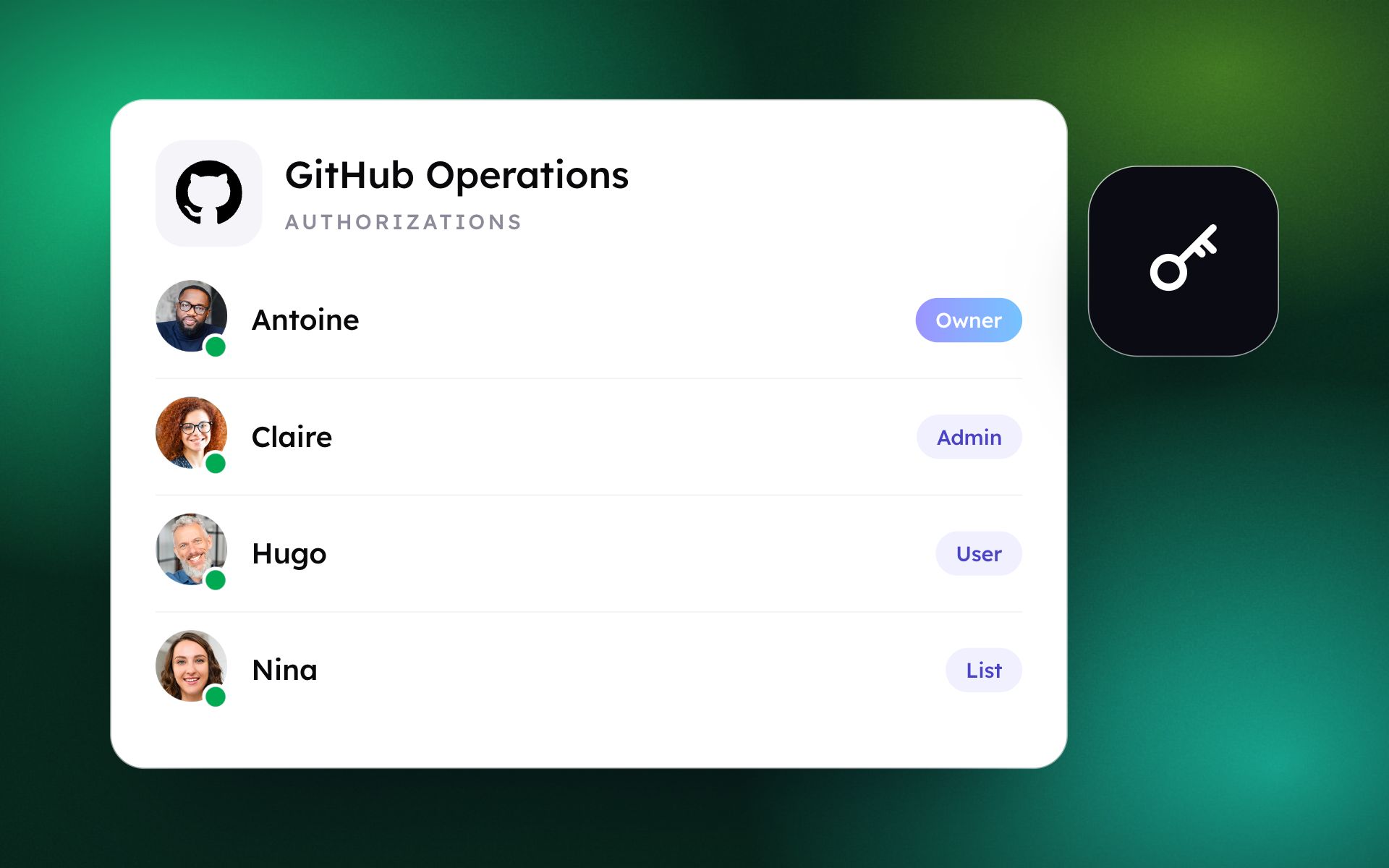
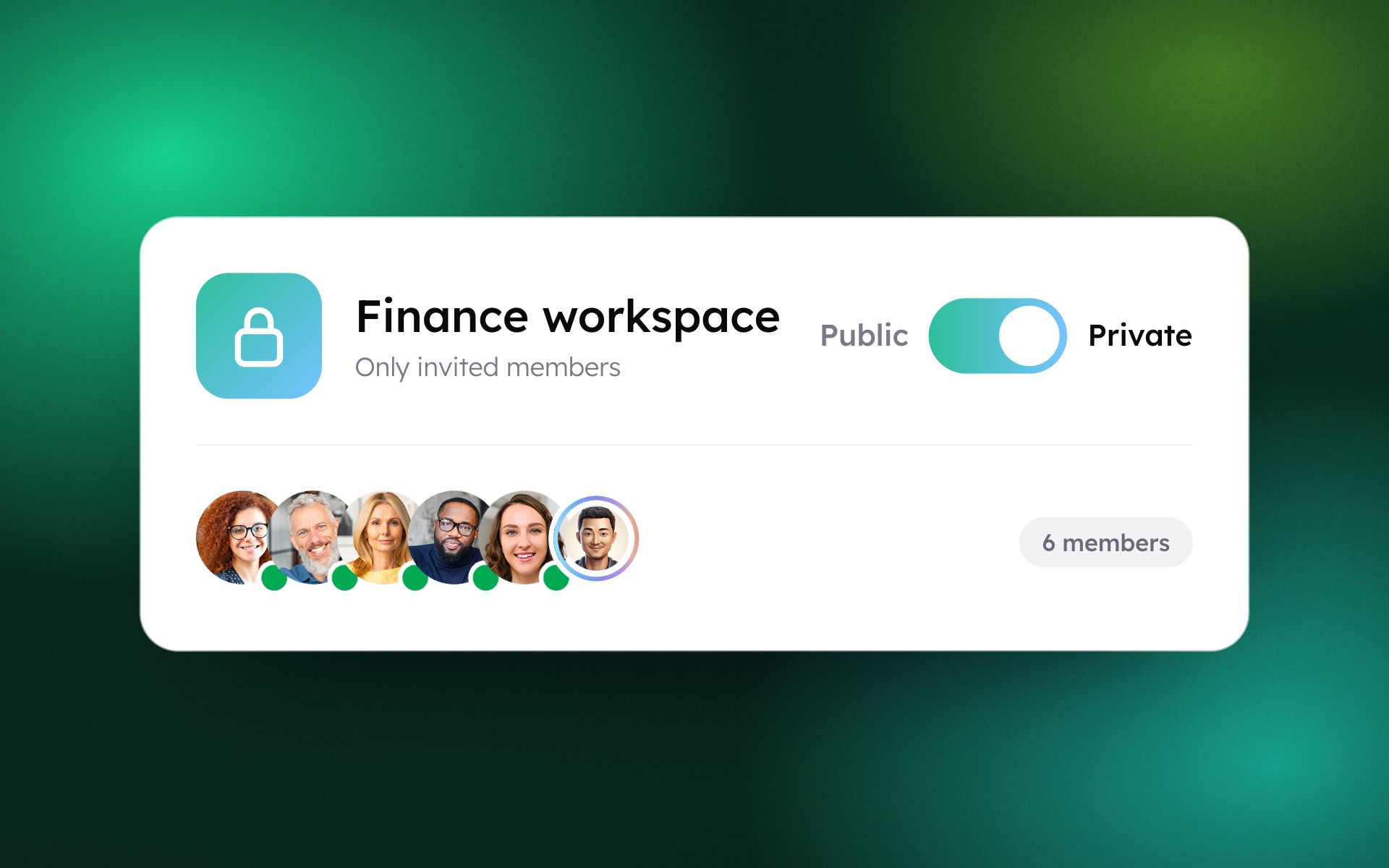
Role-based access for every Mate: keep HR or finance Mates restricted, let everyone chat with production Mates, and keep configuration with your builders.
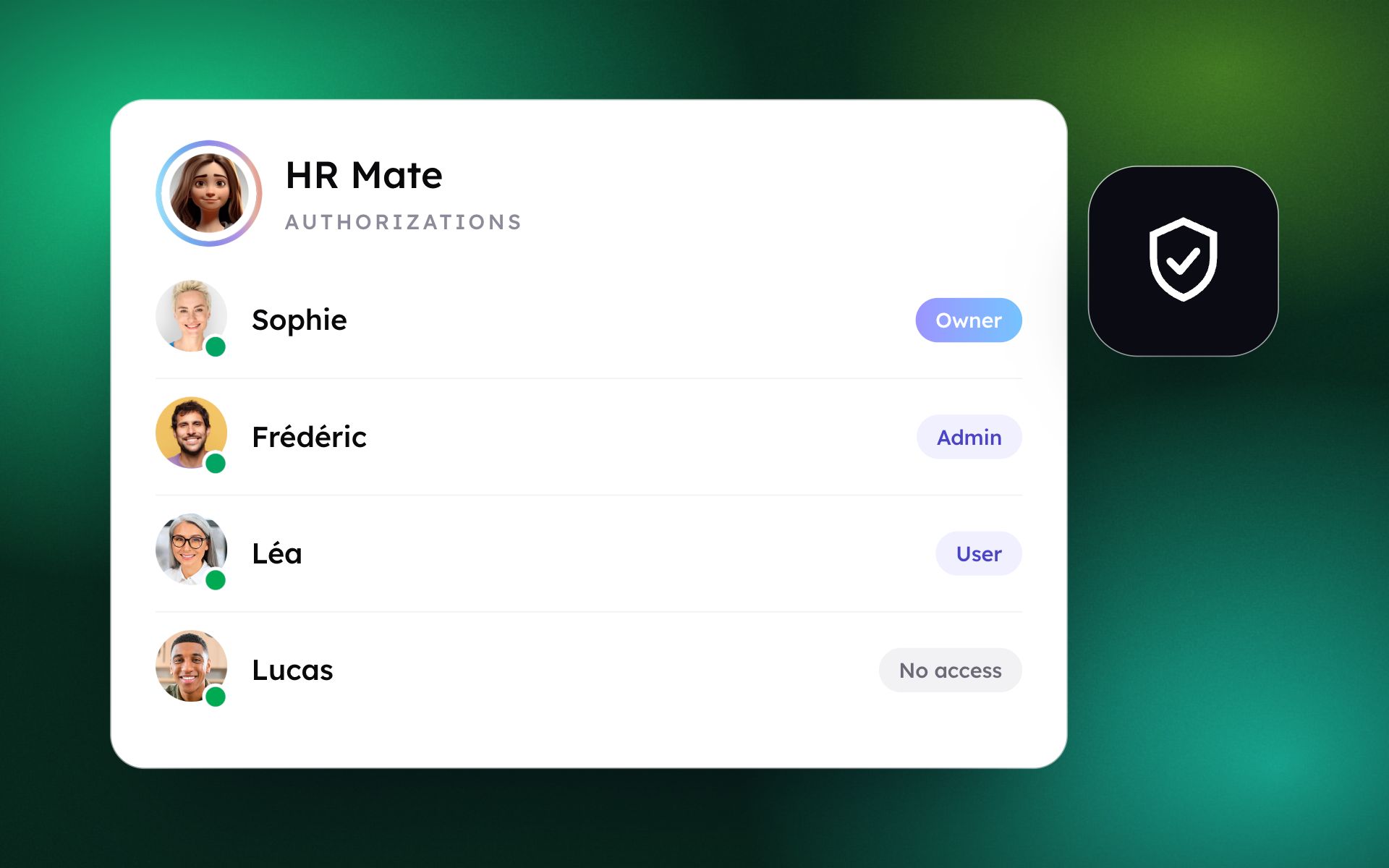
Not every Mate should be open to everyone. An HR Mate handles personal data, a finance Mate sees sensitive figures, and a production Mate's instructions should not be edited by just anyone. Each Mate now has an Authorizations tab.
Five levels of access
- Owner: full control of settings and roles; the only role that can delete the Mate.
- Admin: for team leads and Mate builders. Edits the Mate and its instructions and assigns roles, but cannot delete it.
- User: chats and works with the Mate without changing its configuration.
- List: sees the Mate in the organization's directory but cannot start a conversation.
- No Access: the Mate is invisible to anyone without an explicit role.
What it changes for your teams
- Sensitive Mates stay private: restrict HR or finance Mates to the right stakeholders, or hide them entirely.
- Production Mates stay stable: most people chat with them, only Admins edit their prompts and tools.
- Onboarding at scale: new members get User access by default while configuration rights stay with builders.
- Auditability: you can track who granted access to whom.
How it works
In Mates & Tools, select a Mate, open the Authorizations tab, click Add Member to assign a role or adjust the default for all organization members, then click Update.
https://67c3410fb2f75657e799c4f3.featurebase-attachments.com/c/videos/vg1.94add60060de3c88ded40986.67c3410fb2f75657e799c4f3.019b8026-7158-7b6f-ae86-77a52b5d1f81.changelog.695819fcb7c4fb2c2338974a.playback.0QF0JPkaorJGBBk2ga7yZiP5TDYi6Xl3j9ExcaCcOSI/manifest.mpd
See it with your teams
A 30-minute walkthrough of this update, based on your own use cases.
Talk to an expertMore product updates
All updates






See what these updates can do for your teams.
Our team will show you how governed AI teammates take on your most critical processes, from first use case to enterprise scale.

